Compare AvePoint Fly and Movebot
AvePoint Fly Overview
AvePoint has been in the Microsoft space since being founded in 2001, originally as a company that provided backups for Microsoft Exchange. Over the years, they've developed several solutions for different needs including managing risk, digital workplace enablement, and migrating into Microsoft 365 through their Fly server.
Since, like Movebot, Fly is a data migration tool, this comparison will focus on Fly SaaS and Hybrid Fly and how they compare to Movebot.
Movebot Overview
While a lot of migration tools emphasize one destination, with Movebot, we go for flexibility. Since a single cloud storage platform isn't ideal for all organizations, we didn't want to limit MSPs and businesses that need to move data into a number of different platforms.
With that philosophy, Movebot has developed into the data migration tool with the most supported platforms and migration combinations. Need to move Google Workspace to Microsoft 365? We can do that, including the files and mailboxes, with chats coming soon. What about the opposite way? That works too. Egnyte to Dropbox? Sure. Box to S3? Yep. Emails to cloud storage? If you want. You have full control of what data you move and where it goes, and Movebot will suggest recommendations based on what you're migrating.
All this while being completely in the cloud with zero infrastructure management.
Platform Integrations
AvePoint Fly platform integrations
AvePoint Fly focuses heavily on Microsoft 365. This makes them very comprehensive for that one kind of migration. Even still, a major downside is that there simply aren't that many sources they support.
Primarily, AvePoint Fly is a tenant-to-tenant migration tool for M365. These are common enough that they name their options for migrations Merging and Copying. Merging integrates the source into the destination, like pulling folders across directly into the new tenant. Copying expands the old tenant with brand new folders/sites.
Google Workspace was recently added as a destination for Fly SaaS, but it is far more limited compared to moving into Microsoft. Mainly, the options are for moving from Microsoft into Google with limited supoort.
More sources are supported in the hybrid version. AvePoint Fly hybrid supports about 15 other platforms across their different migration types, including Box, Dropbox, Google Drive, LiveLink, Lotus Notes, HP Trim, and IBM File Connection.
Movebot platform integrations
Instead of being a full-featured tool for one or two destinations, Movebot aims to maximize compatibility with over 30 storage platforms instead. Like AvePoint Fly, you can still migrate into M365, and although AvePoint Fly does migrate more components like Journals and Tasks, Movebot still migrates the majority of what we believe to be essential components, with a focus on the files themselves.
Where platform integrations really become important is when you want to move somewhere besides Microsoft. If you're an MSP or handle mergers or acquisitions frequently, chances are that not all of your clients will move into one destination, meaning you'd need to have a migration tool for moving into M365, another for Dropbox, and so on.
Movebot aims to be the only migration tool you need, with support for over 30 platforms and features to simplify the process. Whether you need to move from cloud to cloud, tenant to tenant, on-prem to cloud, or even into an on-prem file server, Movebot will help you move data from where it is to where it needs to be.
Platform integrations comparison
Since both AvePoint Fly products only support moving into Microsoft 365 and SharePoint, they're extremely limited in the kinds of migrations they can handle.
Movebot, on the other hand, can do literally hundreds of different combinations of migrations, including the option to split one source by ignoring folders in one project and sending them to other destinations in new projects.
For moving into Microsoft 365 specifically, both tools move the most common data types like emails, contacts, and calendars. AvePoint Fly does hold a slight edge here since they can migrate Active Directory, Groups, and Journals, but since these are mostly only relevant to tenant-to-tenant migrations (and not in all cases), Movebot's versatility and flexibility still make it a solid option.
Sign up and set up
AvePoint Fly sign up and set up
AvePoint Fly prefers that users book a demo with the team to get the full product experience, and most calls-to-action reflect this. Doing a free trial of AvePoint Fly is still possible, but it's a multi-step process that involves creating an account with a corporate email and phone number, and choosing products to test along with a data center for processing. From there, you can get access to the account portal and request a free trial sent to your email.
Integrating platforms involves a few steps and several different settings to go through, but the documentation is detailed and comprehensive and can help guide you through the process. However, there are a lot of manual steps involved, which will need to be repeated for each connection.
Movebot sign up and set up
We think that trying the product yourself is the best way to get a feel for it, so we make it easy to get started. Anyone can sign up without a credit card, going through a sales call, or anything like that. Just create an account and you'll immediately get access to explore the tool as much as you need.
If you need to run some test migrations or a POC, you can also get in touch with our team for free data credits. We'll help you get what you need to test and run successful migrations.
Connecting platforms only takes a minute as well. Most require a simple connection via OAuth, and the ones that require extra steps still only take a few minutes.
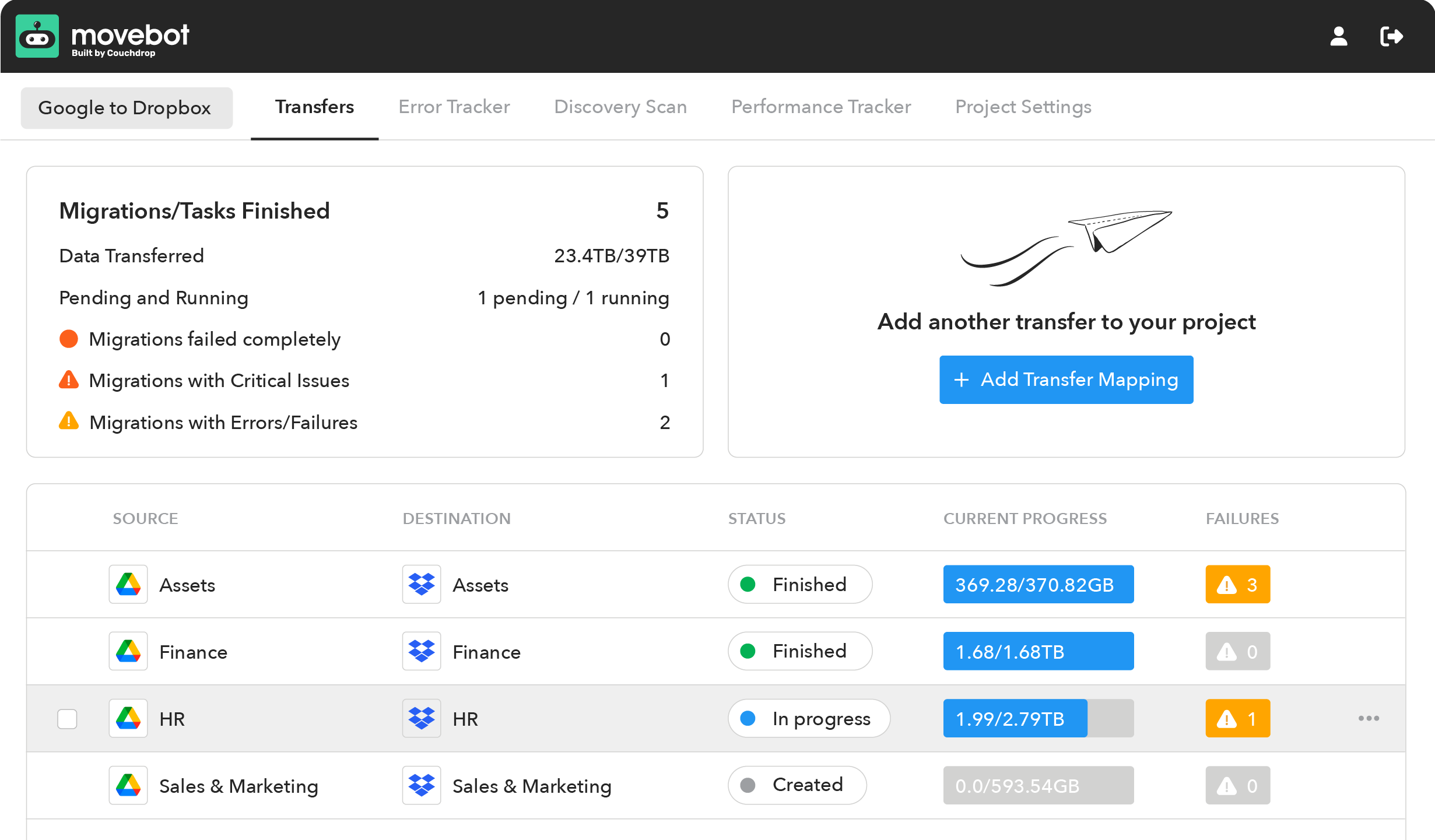
Migration setup is a guided process that walks you through what you need to do based on the sources and destinations you use, with the most common settings pre-selected. You can still adjust these through Expert Options if you wish, but for most projects it's as simple as connecting your platforms, choosing among common options like moving Permissions and Versions, then creating mappings and starting the transfers.
Sign up and set up process comparison
Getting signed up isn't hard for either platform, but the differences appear when actually setting up the migrations. AvePoint Fly requires a lot more manual work like manually mapping users and folders and choosing settings. Movebot has much more flexibility, with both automatic and manual mappings, and the most common settings are selected by default so you can get started quickly without a massive upfront investment in planning and mapping.
Pricing Model
AvePoint Fly pricing model
AvePoint doesn't have their pricing publicly available, but community posts mention a unique subscription model. While a lot of users call these "subscriptions", they're a bit different than your typical sub. You pay for the subscription for as long as the migration is running. Once the migration is finished, so is the subscription.
For a long time, these subscriptions were on a monthly, per-user basis. As of February 2026, this has shifted to an annual subscription model. The new model changes from a monthly per-user structure to an annual per-object one. Licenses that aren't used within 12 months expire and don't carry over to the next year.
Movebot pricing model
Movebot has two separate pricing structures, one for file data alone and one for mailboxes.
For files, Movebot has simple pay-as-you-go pricing. You simply pay for what you use at no more than $0.75/GB, with lower rates the more you move. You can also purchase data packs upfront to immediately lock in lower rates, which is a good option when you have a large migration with a known data size, like a 10+ TB. Data packs do not expire.
Mailboxes are priced per transfer, with no data caps. This includes unlimited file data as well as all emails, contacts, and calendars. With this model, it's simple and predictable to know how much you'll pay, and there are no surprises. And no time limit either (though even PB migrations tend to be done in a few months).
MSPs are also eligible for an MSP subscription plan. This is an optional plan MSPs can choose to get unlimited data for a set price. MSPs that frequently run migrations find this a straightforward and cost-effective way to run migrations, as they can move any kind of data between any platforms throughout the year without having to worry about fluctuations or overages. For more details, see Movebot for MSPs.
Pricing model comparison
Movebot holds a solid advantage in pricing simplicity and flexibility. It's very easy to know how much your migration will cost without having to calculate multiple licenses, data overages, or how long the migration will take.
And, you only pay for what you use, so you never have to worry about overpaying if your initial volume estimates were too high.
Customer Support
AvePoint Fly customer support
AvePoint Fly has three different tiers of support as well as a custom option.
The Basic tier includes ticket-based web support, email (for existing tickets), and minor releases. Standard includes live phone support and major releases & upgrades (for multi-year plans). Premier increases access to 24/7 availability for all support types.
Support at AvePoint Fly is generally regarded to be good, with only a few customers mentioning some slight irritations in interactions.
The main drawback is the availability. While Premier support is always available, Standard and Basic tiers are only available on weekdays. Tickets lodged after business hours won't be actioned until the next day, meaning weekends and holidays can be particularly problematic, especially if you have an urgent issue that can't wait until the next business day.
Movebot customer support
As much as we hope all migrations run without any issue, there's always the chance that something comes up when so many different systems are communicating with each other. We know this is always a possibility, so we don't hold back when it comes to customer support.
Movebot's support is handled by a team of in-house product experts who personally review every case and give a personalized response. Support is included for all accounts, with options to get in touch by email or Discord, and you can request a call for trickier situations. For basic issues, you can chat with our AI agent Moby, who can give you answers and link to relevant documentation articles. You can always escalate to talk to a real person if you need to as well.
Response time is generally within 6 hours at any time. With the Premium Support add-on, the response time lowers to 1 hour with a clear escalation path for emergencies.
Customer experiences with Movebot support are always rated highly and have consistently earned Movebot awards for Best Support from G2 for the last several years.
Customer Support comparison
The experience with support on the higher tiers is comparable for the most part, with several ways to get in touch with experts who can actually help solve the problem.
But Movebot holds the edge in two key areas.
The first is that support is included for all customers without having to sign up for a separate support package or lock in for multiple years. We believe access to an expert is a core part of a successful migration, so we include it for every user.
The second is the availability. While Movebot's Premium Support and AvePoint Fly's Premier Support are available 24/7, the Standard and Basic tiers from AvePoint Fly are only available on weekdays during business hours. This can push users towards the higher tier who may not necessarily need it, or mean there's no recourse for users who run into an unforeseen issue, and they'll have to wait until the next business day.
With support from product experts always available with Movebot, the support experience is second-to-none.
User Experience
AvePoint Fly user experience
AvePoint doesn't have separate reviews for the Fly products on G2, and instead has an overall score of 4.5 stars. Reviews that mention migrations are closer to 4 stars overall, however, the more recent experiences are all positive.
Users like the ease of use, the number of data types that are able to be migrated into Microsoft 365, and that support was helpful when needed. Downsides mentioned relate to a somewhat steep learning curve, the limitations of the different versions, and pricing.
Movebot user experience
On G2, Movebot is rated extremely highly with 4.9 stars out of 5. Users consistently talk about the lightning-fast speeds, zero infrastructure with no software to install, and the flexibility to migrate data where they want. Support is also a strong point, with any users who ran into hiccups being very pleased with the resolution and experience with the team.
User experience comparison
For both products, users are happy for the most part and most customers didn't have issues. However, Movebot has higher overall ratings due to its flexibility and by being completely in the cloud and eliminating maintenance concerns.
Try the AvePoint Fly alternative that can handle all your data migration projects
AvePoint Fly is a solid choice if you're looking to move into Microsoft 365, especially if you plan on doing multiple migrations and will always have Microsoft 365 as the destination. Tenant-to-tenant M365 migrations are especially powerful, as you can pull over practically all data types into the new tenant, keeping files, chats, and setup configurations.
However, even for these cases, getting set up, configured, and running migrations is a steep learning curve, with several settings that involve manual processes for every migration.
With Movebot, you get one tool to handle all your migrations. Whether moving into, out of, or between 30+ platforms, Movebot can handle it. Being completely in the cloud means there's no maintenance, patches, or updates to worry about, with all updates--both minor and major--delivered to all customers automatically, regardless of plan tier.
Try the AvePoint Fly alternative that can easily handle all your data migration projects, and try Movebot with no credit card or demo required. Simply sign up for an account to get started.